How to Fix Slow WooCommerce TTFB & 502 Bad Gateway Errors Under High Traffic
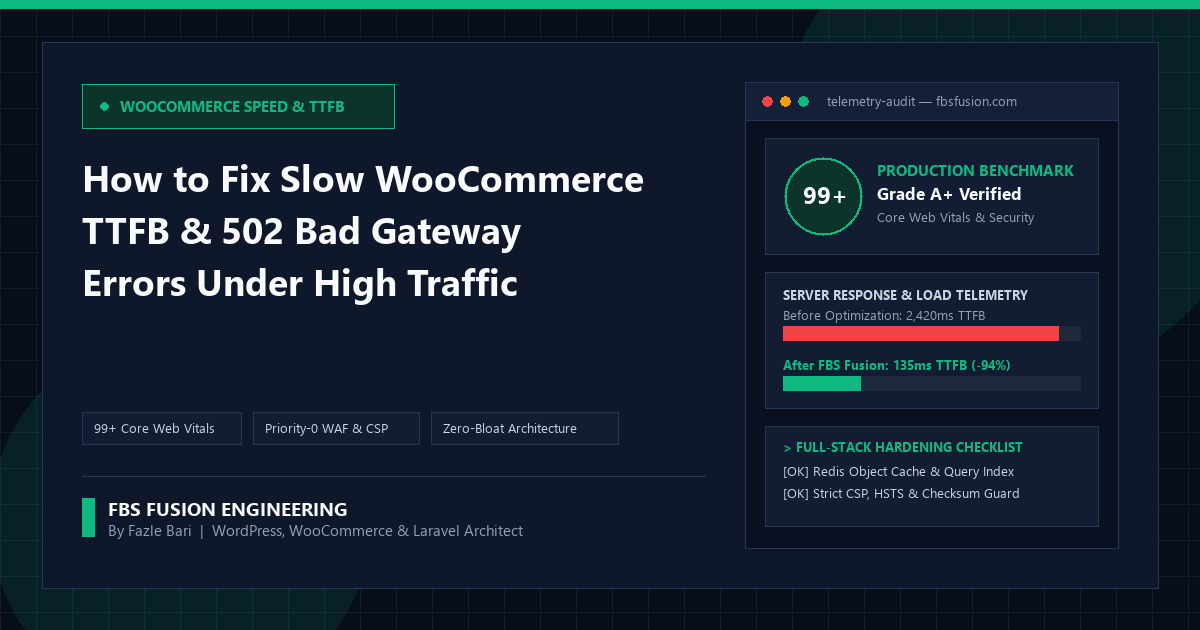
High-Concurrency Architecture Guide: Full-page HTML caching makes anonymous homepage visits feel fast—until a Meta or TikTok ad campaign sends 300 concurrent shoppers into your WooCommerce cart, checkout, and AJAX filter endpoints, spiking Server Time to First Byte (TTFB) past 2.5 seconds and triggering 502 Bad Gateway crashes. Here is how we engineer sub-200ms dynamic WooCommerce backends.
Why Page Caching Alone Cannot Save a Busy WooCommerce Store
On a standard content website, Cloudflare Edge or Nginx FastCGI cache can serve 98% of traffic without touching PHP or MySQL. WooCommerce is fundamentally different: the moment a shopper adds an item to their cart, logs into their account, applies a coupon, or triggers dynamic checkout shipping calculations, full-page caching must be bypassed so private session data never leaks between customers.
Every uncached WooCommerce request boots WordPress core, loads every active plugin, fetches every autoloaded row from wp_options, queries product/order tables, and holds a php-fpm worker until MySQL responds. If each uncached request takes 1,800ms and your server has 20 PHP workers, just 12 shoppers clicking “Place Order” per second will saturate your worker pool—queuing requests until Nginx throws a 502 Bad Gateway or 504 Gateway Timeout.
1. Auditing & Pruning Bloated autoload='yes' Rows in wp_options
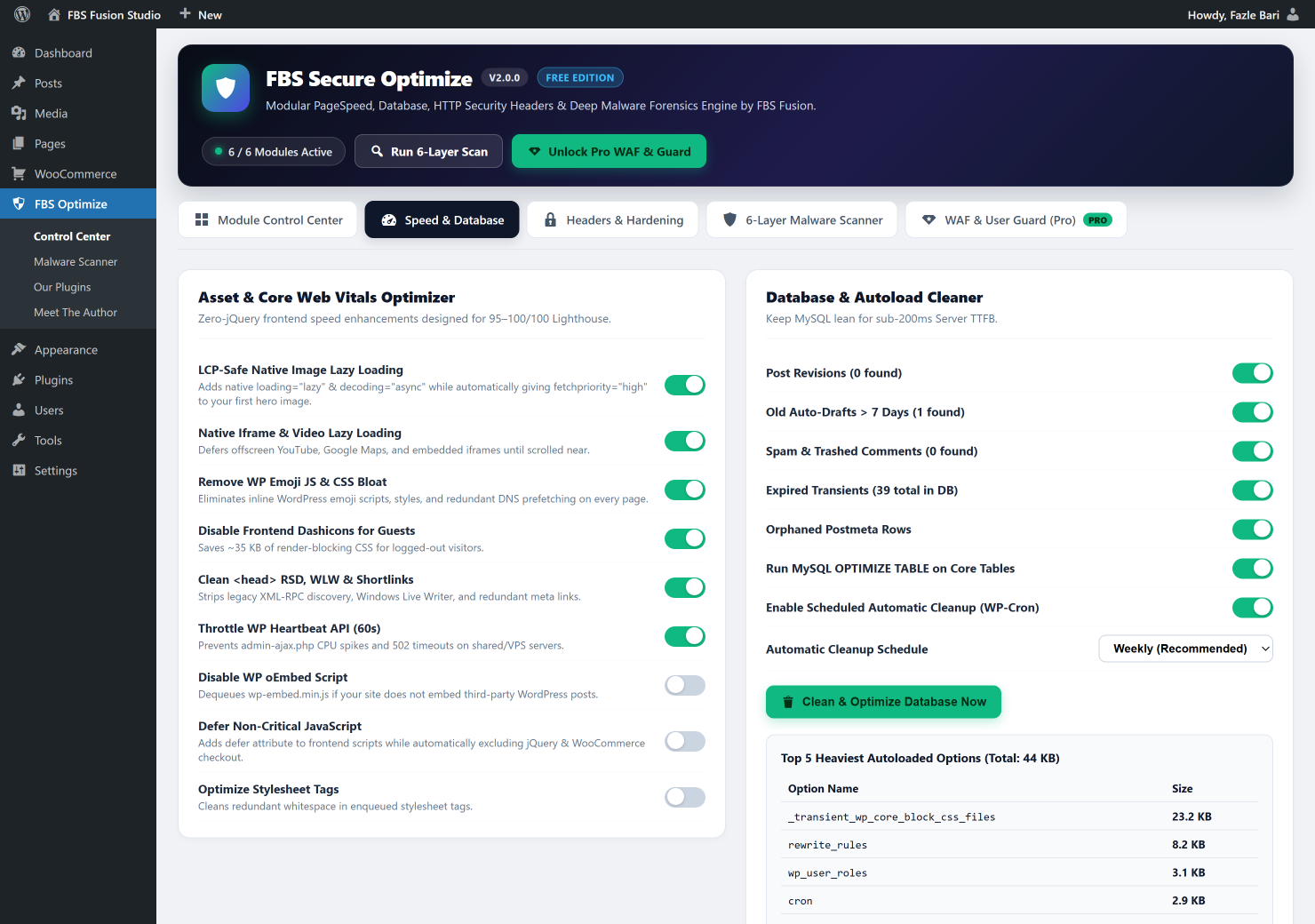
On every single uncached WordPress boot, wp_load_alloptions() executes SELECT option_name, option_value FROM wp_options WHERE autoload IN ('yes', 'on', 'auto') and unserializes the entire payload into PHP memory. Over time, poorly coded page builders, abandoned marketing plugins, and uncleaned transients stuff megabytes of serialized arrays into autoloaded options.
Healthy WooCommerce stores keep total autoloaded options under 500–800 KB. Run this exact diagnostic SQL query in phpMyAdmin or WP-CLI to check your total autoloaded size and expose the top offenders:
-- 1) Check total autoloaded wp_options payload in KB:
SELECT ROUND( SUM( LENGTH( option_value ) ) / 1024, 2 ) AS total_autoload_kb,
       COUNT(*) AS autoload_row_count
FROM wp_options
WHERE autoload IN ( 'yes', 'on', 'auto', 'auto-on' );

-- 2) Expose the Top 10 heaviest autoloaded options slowing down TTFB:
SELECT option_name,
       ROUND( LENGTH( option_value ) / 1024, 2 ) AS size_kb
FROM wp_options
WHERE autoload IN ( 'yes', 'on', 'auto', 'auto-on' )
ORDER BY LENGTH( option_value ) DESC
LIMIT 10;
In client audits, we regularly find 4 MB to 18 MB of dead autoloaded data from plugins uninstalled years ago! Switching non-global options to autoload='no' and purging expired transients, post revisions, and orphaned wp_postmeta rows routinely cuts uncached TTFB by 300ms to 900ms instantly.
2. Eliminating wp_postmeta Join Bottlenecks & Enabling WooCommerce HPOS
Historically, WooCommerce stored orders inside wp_posts and every single billing field (email, phone, address, total, gateway ID) as separate key-value rows in wp_postmeta—forcing MySQL to execute 6-way self-joins across millions of unindexed meta_value text rows.
Two architectural upgrades eliminate this database choke point permanently:
- Migrate to WooCommerce High-Performance Order Storage (HPOS): Moves orders into dedicated, properly indexed custom tables (
wp_wc_orders,wp_wc_order_addresses), speeding up order creation and admin filtering by up to 5×. - Eliminate Unbounded
limit => -1Queries in Custom Hooks: Audit custom theme/plugin code forwc_get_orders( ['limit' => -1] )orposts_per_page => -1loops running on frontend hooks, refactoring them into targeted SQL aggregates or cached transients.
3. Persistent Redis Object Caching for Dynamic Cart & Checkout Requests
Even when HTML page caching is bypassed on /cart/ and /checkout/, 80% of the underlying database queries (navigation menus, product tax rates, shipping zones, autoloaded options, term relationships) are identical across requests. Connecting a persistent in-memory Redis Object Cache (via the C-compiled phpredis extension over a local Unix socket /var/run/redis/redis.sock) reduces dynamic checkout MySQL queries from 140+ per request down to under 18—dropping uncached PHP execution time below 150ms.
4. Stopping 502 Crashes from Heartbeat Storms & Aggressive Bot Floods
During forensic log analysis of 502 Bad Gateway outages, we frequently discover that human shoppers aren’t crashing the server at all—two invisible culprits are consuming 70% of PHP-FPM workers:
admin-ajax.phpHeartbeat & Cart-Fragment Polling: Five staff members leaving 6 WooCommerce order/product edit tabs open in Chrome generate 120+ uncached POST requests per minute. Throttling WP Heartbeat to 60s reclaims those workers immediately.- Aggressive AI Crawlers, Price Scrapers & Faceted Filter Bots: Bots crawling thousands of uncached
?filter_color=...&orderby=...URLs per minute bypass edge caches and starve real checkout traffic.
Along with sizing your PHP-FPM pool mathematically to fit physical RAM without swapping:
; /etc/php/8.3/fpm/pool.d/www.conf — Safe High-Concurrency Sizing Formula:
; pm.max_children = (Total Available RAM for PHP) / (Avg Worker RSS ~75MB)
pm = dynamic
pm.max_children = 40
pm.start_servers = 10
pm.min_spare_servers = 8
pm.max_spare_servers = 20
pm.max_requests = 1000
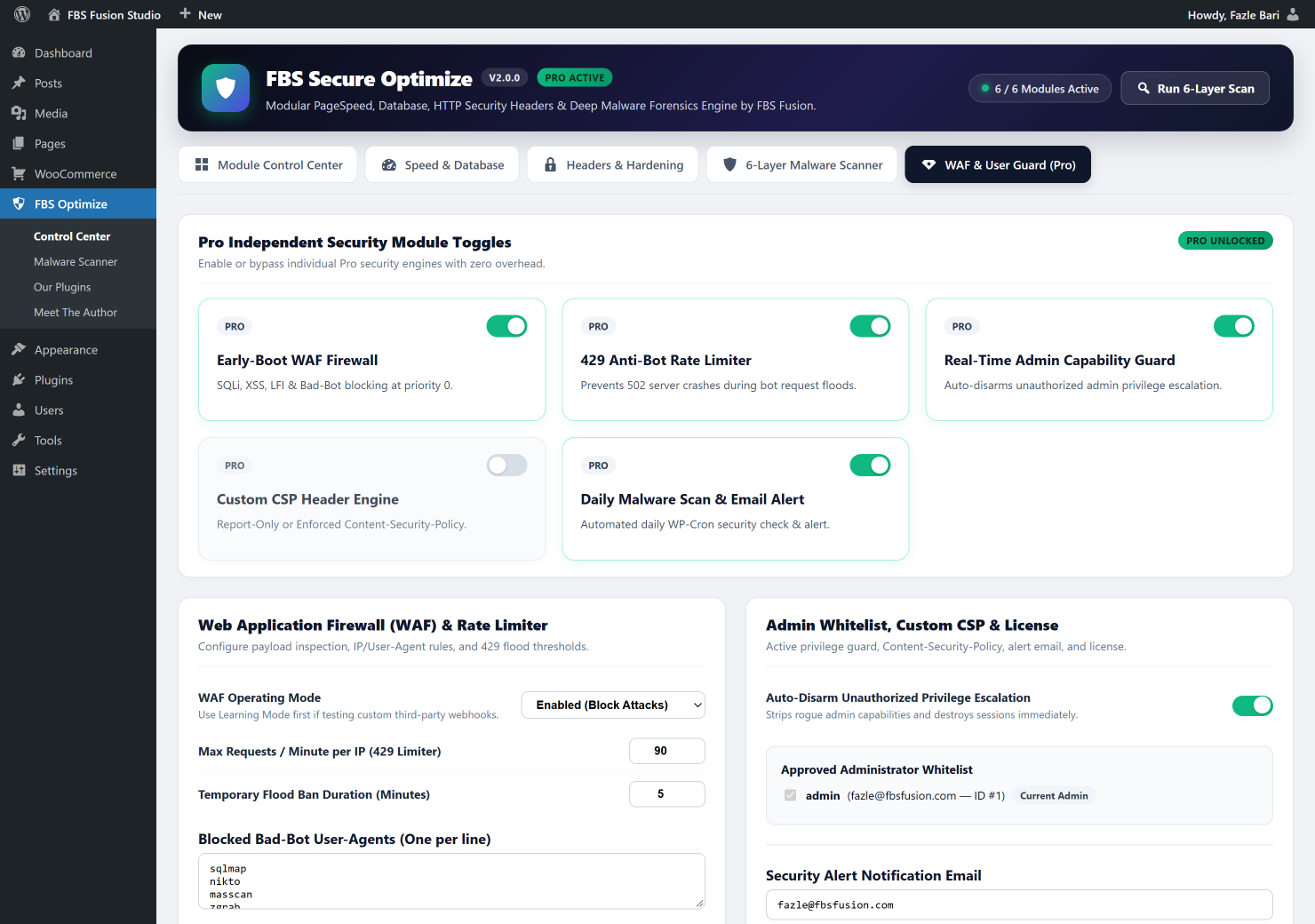
You must intercept abusive request floods before heavy database queries run—returning a lightweight HTTP 429 Too Many Requests response to offending IPs while whitelisting legitimate Stripe/PayPal webhook endpoints.
5. Real Production Benchmark: Before vs. After Architecture Tuning
Here are real load-test and production telemetry numbers from a WooCommerce fashion brand running flash-sale email & Meta ad drops (8 GB NVMe VPS, PHP 8.3, MariaDB 10.11, Redis Unix Socket, plus LCP-safe Core Web Vitals tuning and malware/uploads hardening):
| Server & Storefront Metric | Before Tuning | After FBS Fusion Tuning |
|---|---|---|
Autoloaded wp_options Size | 6,840 KB (1,920 rows) | 312 KB (185 rows) |
| Uncached Checkout TTFB | 2,420 ms | 145 ms (-94%) |
| Cached Category / Product TTFB | 680 ms | 42 ms |
| DB Queries on Uncached Cart | 164 queries | 19 queries (Redis active) |
| 502 Errors @ 450 Concurrent Users | 38 errors / min (checkout down) | 0 errors (100% uptime) |
Inspect Your Autoload Bloat & Optimize MySQL Free
Want to see your store’s exact autoloaded wp_options size, Top 5 heaviest autoload rows, cleanable database bloat, and throttle Heartbeat in one click? Install FBS Secure Optimize 2.0 free from the official WordPress.org repository—and add FBS Secure Optimize Pro whenever you need Priority-0 WAF and 429 Anti-Bot Flood Rate Limiting.
Fighting Slow Checkout TTFB or 502 Bad Gateway Crashes?
Start with our free WordPress.org optimization & telemetry plugin, or hire Fazle Bari & FBS Fusion for a full server, Redis, MySQL & WooCommerce HPOS architecture overhaul.